MenuFly: menu design, premium printing, and the QR platform behind it
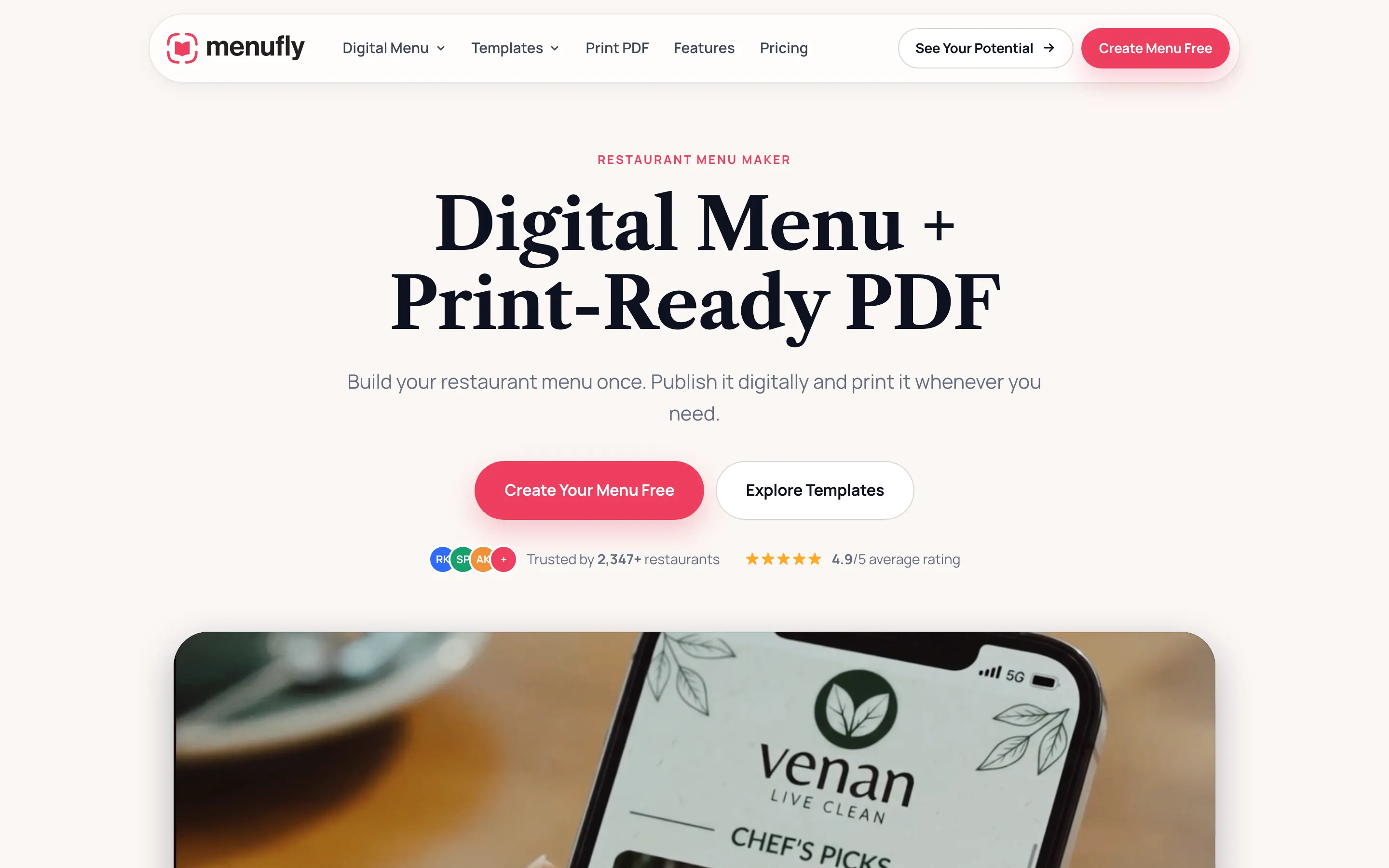
A menu design and printing studio for restaurants across India, with a QR menu platform behind it.
LiveRestaurant menu design, printing and QR menu software
Our role
What BitsSolved did
- Menu design studio
- Print production
- QR menu cards and standees
- Drag and drop menu designer
- QR code generation
- Analytics dashboard
Why most restaurant menus leave money on the table
A menu is the only piece of marketing a restaurant hands directly to a customer who has already decided to spend money. It is also the piece most often treated as a printing errand: send the list to a local press, get back a laminated sheet, put it on the table, never think about it again.
Two things get left on the floor by that. The first is layout. Where a dish sits on the page, whether it carries a photograph, and how the price is set next to it all change what a table orders, which means a menu built around the kitchen’s strongest dishes is worth considerably more than the print run costs. The second is time. A printed menu goes stale the moment a price moves or a supplier changes, which is why so many tables now carry a QR sticker that opens a PDF nobody can read on a phone.
MenuFly was built to cover both ends of that problem in one business: a design and print studio for the menu a guest holds, and a QR menu platform so the version on their phone is never the out of date one.
- Sector
- Restaurants, cafes and cloud kitchens
- Scope
- Design studio, print production, and a SaaS platform
- Reach
- Pan-India delivery, international shipping
- Rating
- 4.63 out of 5 from 133 Google reviews
What we built
A menu designed to sell, not to list
Image led, high conversion layouts that put the star dishes where they get read, rather than an alphabetical price list set in the smallest type that fits.
Print production in house
Single page, four page and Wire-O menus, leather bound books for premium dining, table and roll-up standees, custom die-cut stickers, and visiting and loyalty cards, on premium papers and finishes.
QR menu cards
A printed card or standee that opens the digital menu, so a guest sees the current version without an app and without an install.
The menu designer
A drag and drop builder for the digital menu: images, categories, prices and descriptions, edited by the restaurant rather than by a developer.
QR code generation
Unique codes per venue or per table, sized and exported for print on cards, standees and stickers.
An analytics dashboard
Menu views, popular items, peak hours and engagement, so the next menu is designed on evidence instead of on opinion.
The decisions that shaped it
- 01
Design for the bill, not for the page
A menu that looks beautiful and sells nothing has failed. The studio works from what the kitchen actually makes money on: the dishes with the strongest margin get position, photography and space, and the rest of the card is arranged so that the eye reaches them first. The design brief is a commercial brief before it is a visual one.
- 02
The QR menu had to beat a PDF
Pointing a QR code at a PDF is the cheapest possible answer and it is the reason guests distrust QR menus. A PDF pinch-zooms, loads slowly on restaurant wifi and cannot be edited by the person at the counter. The platform renders a real mobile page instead, and the restaurant edits it in the builder, so the code on the table never has to be reprinted to change a price.
- 03
Print and software in the same business
Most restaurants are sold a printing service by one vendor and a QR product by another, and the two never agree. Running both means the card on the table, the standee at the door and the page on the phone are the same menu, designed once. It also means the platform is built by people who have watched the print side of the business, which is where the requirements came from.
What customers say
Based on 133 Google reviews
How it is built
- Frontend
- ReactVite
- Backend
- Go
- Platform
- Menu builderQR generationAnalytics
- Studio
- Menu designIn-house print production
How the engagement ran
- 01
Discovery
A working session on your product and its architecture, written up as scope, screens and a fixed quote for the first phase. Nothing is chargeable before that document exists.
- 02
Build in the open
Working software you can open while it is being built, instead of a status report, so the brief can change while changing it is still cheap.
- 03
Launch
Deployment with monitoring, backups, TLS and security headers, on infrastructure the client owns.
- 04
Scale
A maintenance window for fixes, monitoring and improvements, or a full handover to your own engineers with documentation. You can stop after any phase and keep everything built so far.
If you are building a product like this
MenuFly is what a service business looks like after it builds its own software: the thing it sells and the system that delivers it are one product. If you run a business with a physical service and a digital layer that should support it, that is the same project.
Start with the revenue path
The first release should touch the thing that makes money. For MenuFly that was the menu itself, not an admin panel.
Build for the person at the counter
If the people who run the business cannot change a price without calling a developer, the product will quietly stop being used.
Measure what the product is for
Analytics that report views are decoration. Analytics that report which dishes get read change the next menu.
The services behind it:Custom SaaS DevelopmentWeb Application DevelopmentMobile App Development
Questions people ask before starting one of these
More case studies
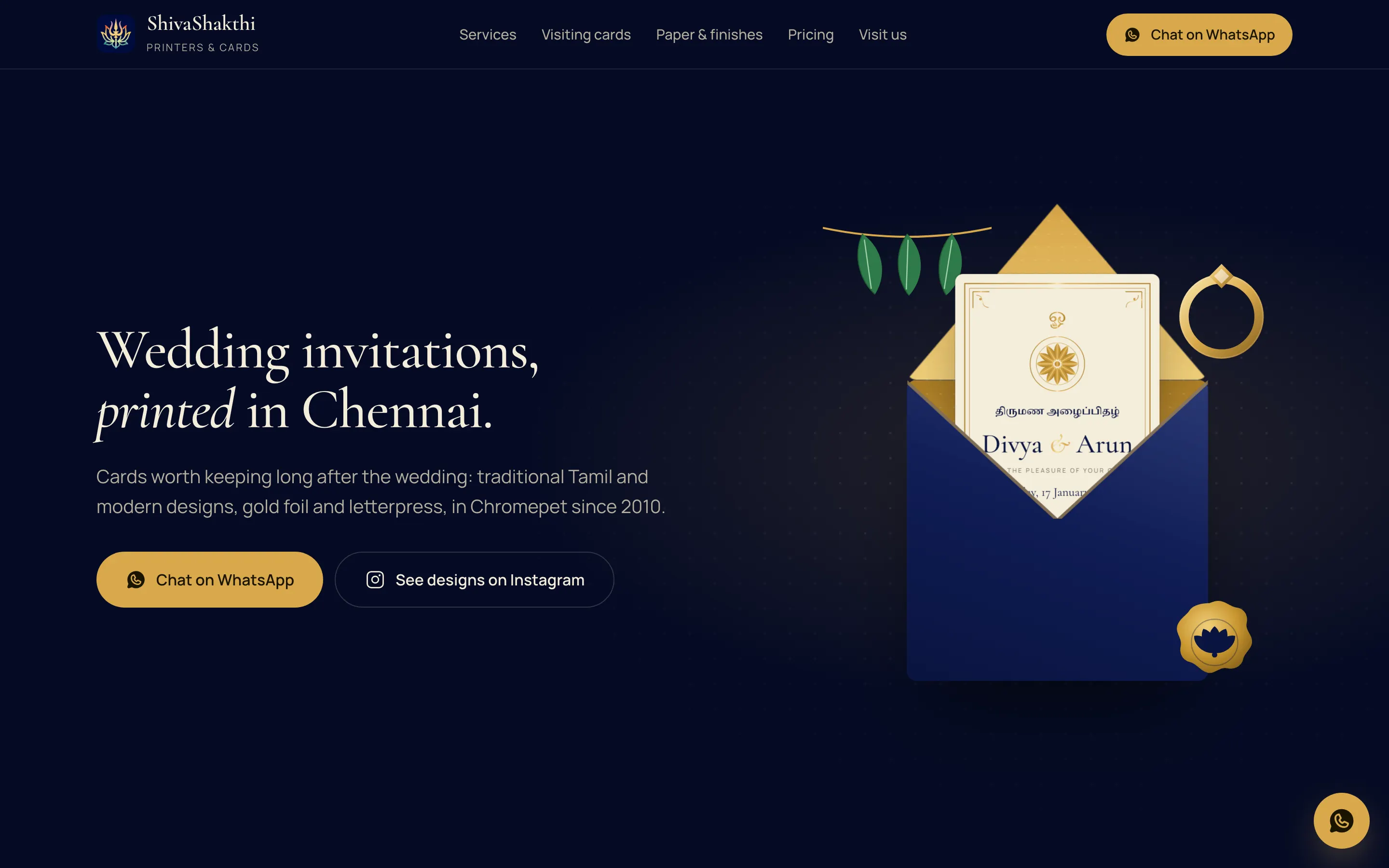
ShivaShakthi Printers
Local business website built to be found in its own city
Want something like this built?
The first call is free and is mostly us asking questions. After it you get the scope in writing and a fixed quote for the first phase.
What happens next
- You send the formTell us the problem.
- We reply by emailWith any questions.
- A free first callThen the scope in writing.